
How We Automated Our Client Contract Process
After weeks of back-and-forth, your prospect evaluated the options and picked you. Price is agreed. Deliverables are clear. Now it’s time to make it official.
For every new customer who wants Probo to handle their compliance as a managed service, we need three signed documents:
- An Order Form recapping the deal: amount, deliverables, start date, limitations, signatory details.
- A Mutual NDA protecting both sides.
- A Master Service Agreement (MSA) covering the full engagement.
Three documents. All need signatory info, contract details, and official signatures from both a Probo representative and the customer’s representative.
We could have filled every field by hand in all three docs, printed them, signed them, and faxed them over. But the probability that a San Francisco startup owns a fax machine is low.
To be honest, we don’t have one either.
So we went with electronic signatures. It’s a regulated space if you want the signature to hold up legally. We picked the well-known leader: Docusign.
Here’s what we learned building this pipeline, and why we rebuilt it twice.
Phase 1: Docusign Templates and Doc-Gen Fields
The first version ran on n8n, our workflow automation tool.
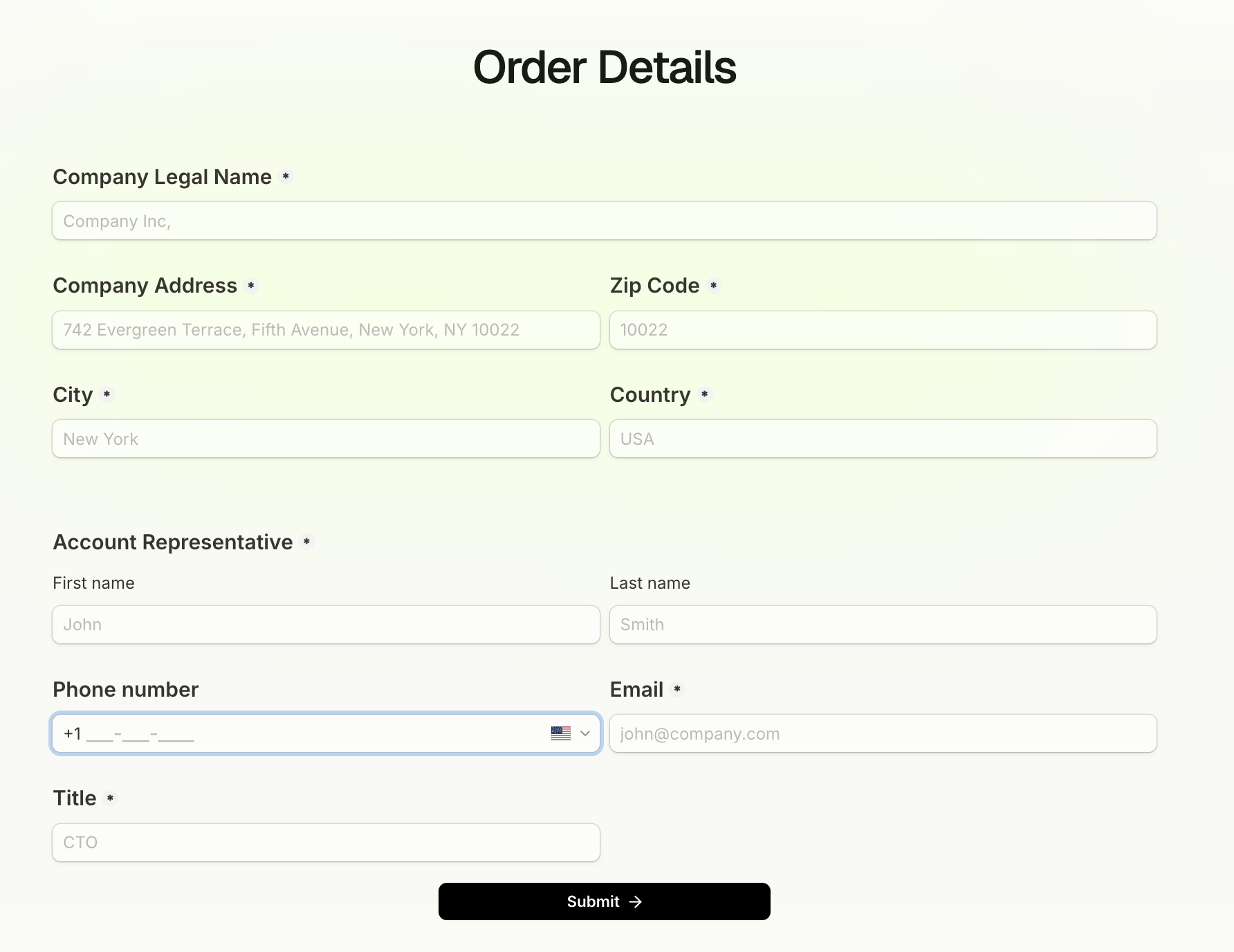
The process started with collecting customer information needed for the contracts: company legal name, headquarters address, signatory details.
We built a simple order form on our website. When a prospect decides to move forward with Probo, we send them the link. They fill it out. A first n8n workflow enriches the deal in HubSpot with that info and automatically moves it to the “Contract Sent” stage.
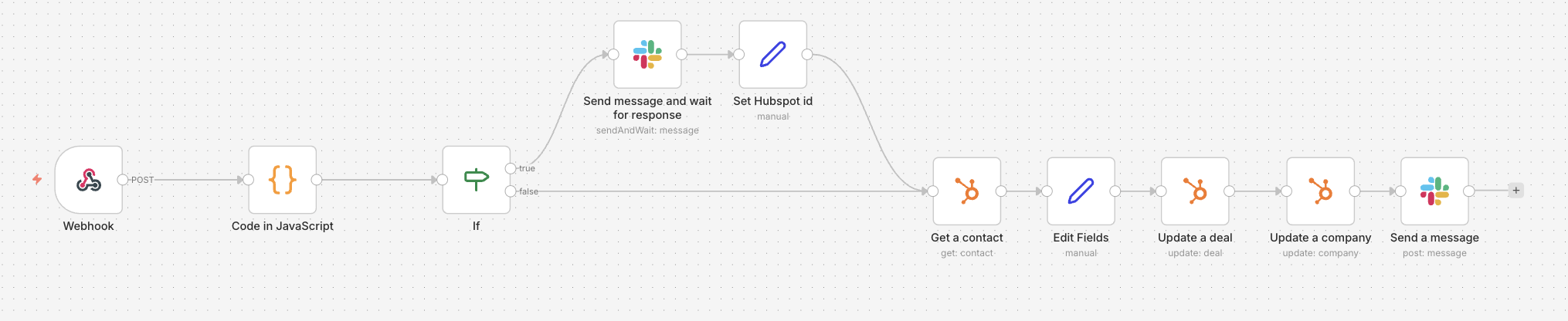
When a deal hits “Contract Sent,” a second workflow fires. It uses the Docusign node to create a new envelope from a pre-built template with three parties, in a specific signing order:
- Probo representative signs first.
- Customer representative signs second.
- Probo legal receives a copy.
The template contained our three documents, each using document generation (a Docusign feature that lets you define variables inside documents). Signature zones were already placed.
This was better. No more opening Docusign, filling fields one by one, manually attaching documents. The workflow handled it.
Then we hit the first wall.
To use doc-gen fields through the API, you need to upgrade to a Docusign Enterprise plan. On top of that, you pay for specific tokens consumed every time you generate a doc-gen document.
We figured this out the hard way: the first time we ran the node in production, it failed. Good luck finding any mention of that requirement in Docusign’s documentation. The error message didn’t give you any details. It’s an old reddit post that pointed us to that.
So we paid up, and it worked. For a while.
Phase 2: The Review Problem
The real problem wasn’t generating documents. It was changing them.
A customer wants to review the order form. Add a precision to the MSA. Adjust a clause specific to their business.
Reasonable requests. But in our workflow? No process for that.
We had to void the entire envelope. Then email back and forth until both sides agreed on the changes. Then manually edit the doc-gen templates inside Docusign’s app.
If you’ve ever tried to edit doc-gen documents by hand, you know. It’s painful.
We were back to square one for every non-standard deal.
Phase 3: Google Docs to E-Signature, Fully Automated
Doc-gen was costly, hard to change, and locked inside Docusign’s app. So we ripped it out.
We migrated document generation to Google Docs.
Our three template documents now live in a dedicated Google Drive folder. Each one has variables, same concept as doc-gen, but in a tool everyone already knows how to use.
Here’s how the new workflow works:
When a deal moves to “Contract Review”:
- The workflow creates a new Google Drive folder, shared with the customer.
- The three template documents are copied into that folder.
- All variables are replaced with actual values pulled from HubSpot.
Now the customer can comment and suggest directly on the Google Docs. Questions about a clause? Leave a comment. Need to add a document specific to their business? Drop it in the folder.
No voided envelopes. No email chains. No manual edits to locked-down templates.
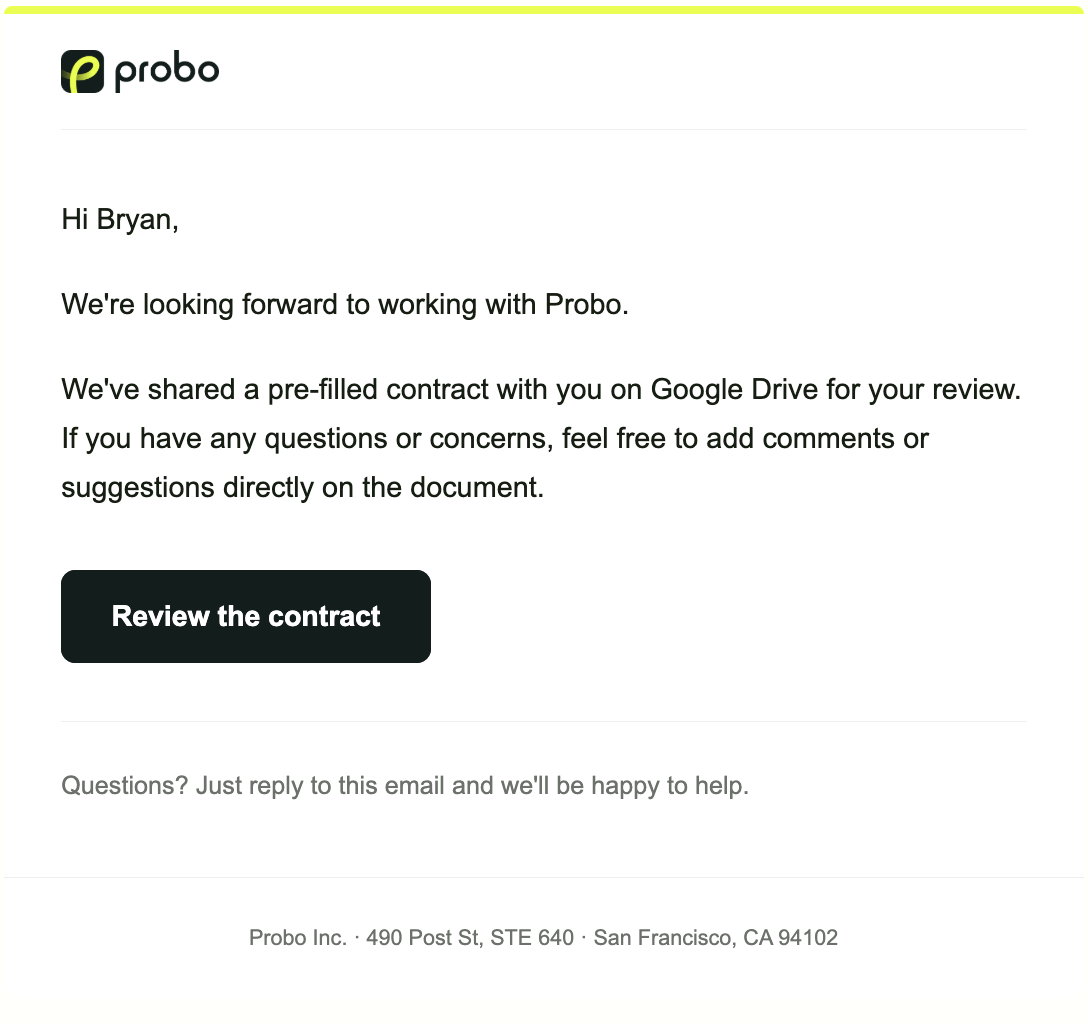
When everything is aligned and the deal moves to “Contract Sent”:
- The workflow lists all documents in the customer’s folder and downloads them.
- It creates a new Docusign envelope with the right parameters (signing order, recipients).
- The downloaded documents are attached to the envelope.
- For signature placement, we use a hidden text anchor in the template documents and Docusign’s Anchor Tabs to position the signature fields automatically.
- The envelope is sent.
Both parties sign. Done.

What We Gained
The contract cycle went from “manual, fragile, and blocked by every review request” to “self-service collaboration with automated e-signature at the end.”
The key insight: separate the document editing from the signing. Let humans collaborate where humans are good at collaborating (Google Docs). Let dedicated tool handle the regulated space (Docusign).
A few specific wins:
- Customer review is frictionless. They comment on a Google Doc, not a PDF locked in a vendor’s app.
- Non-standard deals don’t break the process. Need an extra document? Add it to the folder. The workflow picks it up.
- No more doc-gen token costs. Google Docs is free. The Docusign bill dropped.
- Internal time per contract went from ~20 minutes to under 2. Move a deal to the right stage. The rest is automated. No more context switching.
What We’d Tell You
If you’re building a contract workflow, here’s what we learned:
- Don’t start with the e-signature tool. Start with where the documents live and how they get reviewed. The signing is the easy part.
- Docusign’s API pricing is opaque. Doc-gen through the API requires Enterprise and per-use tokens. Budget accordingly, or avoid doc-gen entirely. Also setting-up an API key is not an easy one.
- Google Docs as a contract drafting layer works surprisingly well. Sharing, commenting, version history, all built in. Your customers already know how to use it.
- Build for the review loop, not just the happy path. Most contracts need at least one round of back-and-forth. If your workflow breaks on the first revision request, it’s not a workflow.
What happens after the contract is signed? That’s a future story.
If you’re implementing a similar process and struggling with any part of it, don’t hesitate to connect on LinkedIn. I’d be happy to help.